Tips to Reduce Eye Strain From Screens
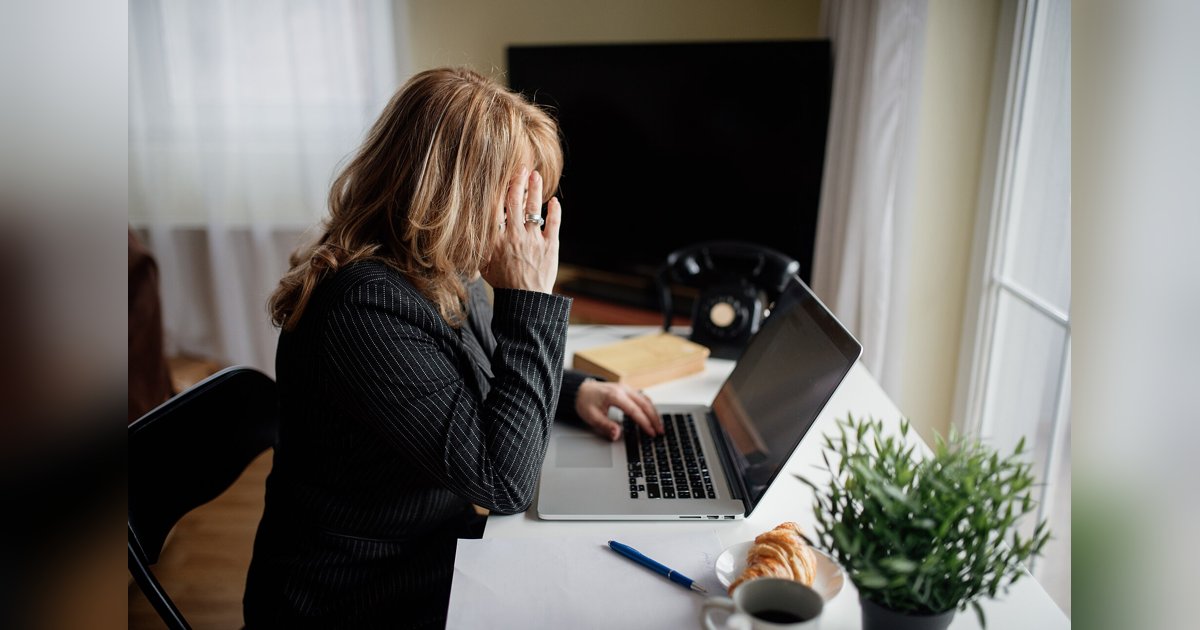
After a long day at a computer or phone, many people notice tired, dry or sore eyes, a mild headache and blurry vision. This group of symptoms is often called digital eye strain. It is common and usually temporary, but it can make work and leisure uncomfortable. The good news is that small changes to your habits and setup can help. This article gives general advice. If you have persistent problems, pain or changes in vision, see an eye care professional.
Why screens tire your eyes
When you look at a screen, you tend to blink less, so your eyes dry out. You also hold the same focus distance for hours, which tires the muscles inside the eye. Poor lighting, glare, a badly positioned screen and an out-of-date glasses prescription can add to the problem.
Follow the 20-20-20 habit
A well-known tip is the 20-20-20 rule. Every twenty minutes, look at something about twenty feet, or six metres, away for at least twenty seconds. It gives your focusing muscles a rest. Set a reminder on your phone or computer until it becomes automatic. A glance out of a window is perfect.
Blink more
Make a conscious effort to blink fully and often. Blinking spreads moisture across the eye. If your eyes feel dry, you might try lubricating eye drops, but ask a pharmacist or eye professional which type suits you. Avoid fans or air conditioning blowing directly onto your face.
Set up your screen properly
Positioning matters.
- Place the screen about an arm’s length, around fifty to seventy centimetres, from your eyes.
- Position the top of the screen at or slightly below eye level, so you look slightly down.
- Tilt the screen slightly backwards to reduce reflections.
- Place documents near the screen at a similar distance, so your eyes do not constantly refocus.
- Sit with your back supported and your feet flat on the floor.
Adjust brightness and contrast
The screen should be about as bright as the surrounding room. If it looks like a light source, it is too bright. If it looks dull, it is too dim. Adjust text size so you can read comfortably without leaning forward. Dark text on a light background works well for most people, but dark mode may be more comfortable in dim spaces.
Control the lighting
Glare from windows and bright lights causes strain. Position your screen so windows are to the side, not behind or in front of you. Use blinds or curtains to control sunlight. Soft, indirect lighting is better than harsh overhead lights. Avoid working in a dark room with only a bright screen, as the contrast is tiring.
Take proper breaks
Beyond the quick 20-20-20 pause, stand up and move for a few minutes every hour. Stretch, walk and give your eyes a longer rest. Try not to switch from a work screen straight to your phone during breaks.
Check your glasses or contacts
If you wear glasses or contact lenses, make sure your prescription is current. Some people benefit from glasses designed for computer distance. Have regular eye tests, usually every one to two years, or as advised by your optician. If you are over forty, changes in near vision are common and easily corrected.
Look after your general eye health
Eat a balanced diet, drink enough water, avoid smoking and wear sunglasses outdoors. Get enough sleep, since tired eyes recover overnight. Wash your hands before touching your eyes, and remove contact lenses before sleeping unless your optician says they are made for it.
Reduce phone strain
Phones are small and held close, so strain can be greater. Hold your phone a little further away, increase text size and avoid using it in the dark. Take regular breaks from scrolling, especially in bed.
Do not rely on myths
Blue light glasses are widely sold, but evidence that they reduce eye strain is limited. Focus on breaks, setup and lighting, which are better supported. If you like a night mode in the evening to feel more comfortable, that is fine, but it is not a cure.
When to see a professional
See an eye doctor if you have eye pain, sudden vision changes, flashes of light, double vision, persistent redness or headaches that do not go away. These can signal problems that need proper assessment.
Most digital eye strain eases with simple habits. Rest your eyes regularly, set up your screen well and keep an eye on your overall health, and your eyes will feel more comfortable.