Phone Battery Care: What Actually Helps and What Is a Myth
Every phone owner has heard battery advice: never charge overnight, drain it fully before recharging, close all your apps. Some of it was true for older devices, and some never was. Modern phones use lithium-ion batteries and smart software, so the rules have changed. Here is a practical guide to phone battery care that separates what helps from what is mostly folklore.
How phone batteries age
Lithium-ion batteries wear out gradually. Each charge cycle, roughly the equivalent of using one full battery’s worth of power, takes a tiny bite out of the maximum capacity. Heat and staying at very high or very low charge for long periods speed that wear. After a couple of years of regular use, most phones hold noticeably less charge than when new. You cannot stop ageing, but you can slow it.
Habits that genuinely help
Avoid heat
Heat is the biggest enemy. Do not leave your phone on a car dashboard, in direct sun or under a pillow while it charges. If the phone feels hot, remove thick cases while charging and let it cool before you continue using it for demanding tasks.
Keep charge between roughly twenty and eighty per cent
Lithium-ion cells are happiest in the middle. Regularly dropping to zero or sitting at one hundred per cent for hours puts more stress on them. You do not need to be strict. Plugging in at around thirty per cent and unplugging before it hits full is a good habit when it is convenient.
Use optimised or limited charging features
Many phones now offer a setting that learns your routine and holds charging at eighty per cent until shortly before you wake up. Some let you cap charging at a set level. If your phone has this, turn it on, especially for overnight charging.
Use a decent charger
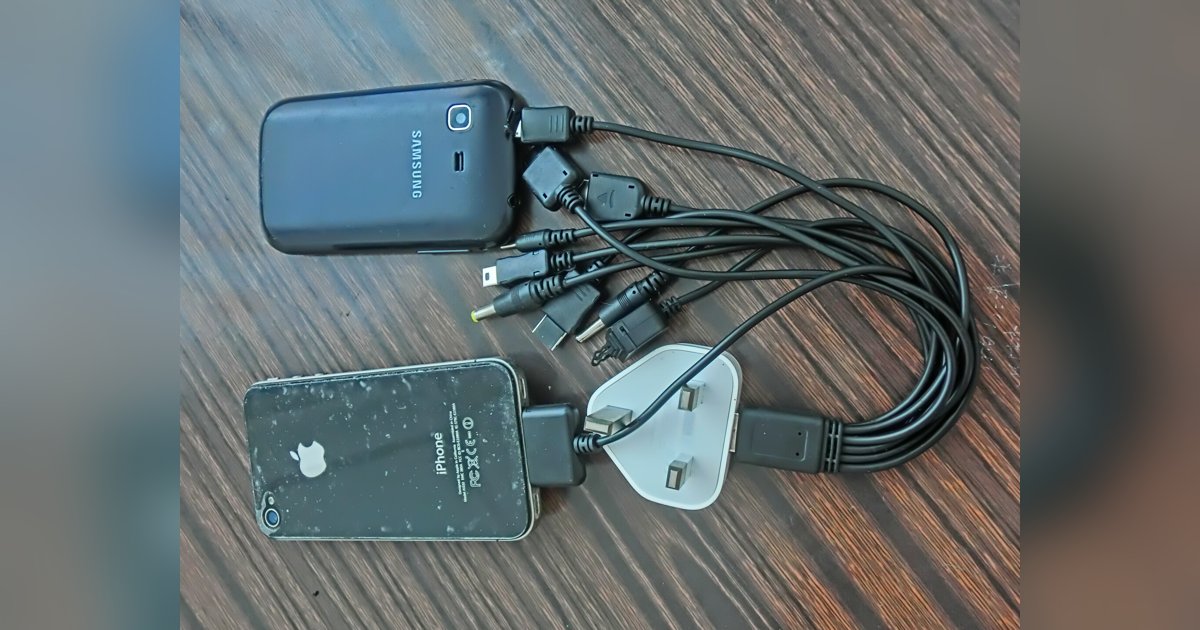
Official or well-reviewed chargers deliver the right voltage and include safety checks. Very cheap, unbranded chargers may overheat or damage the battery. Fast charging is generally fine for occasional use, but if you can charge slowly overnight, your battery will thank you.
Myths worth dropping
- Charging overnight ruins the battery. Modern phones stop drawing power when they reach full and have protection circuits, though sitting at a full charge for hours is not ideal, hence the optimised setting.
- You must fully drain the battery before charging. This was advice for old nickel-based batteries. For lithium-ion, deep discharges are actually harder on the cell.
- Closing all apps saves battery. Swiping apps away often makes things worse, because the phone has to reload them from scratch. Close only an app that is misbehaving.
- Airplane mode at night saves a lot. It helps a little, but in weak signal areas it can matter more than usual.
Reduce the drain during the day
Even with a healthy battery, you can stretch each charge.
- Lower screen brightness or use automatic brightness. The display is usually the biggest power user.
- Use dark mode if your phone has an OLED screen.
- Shorten the screen timeout so it switches off quickly.
- Turn off background refresh for apps that do not need it.
- Switch off location access for apps that only need it occasionally.
- Use Wi-Fi where possible, since weak mobile signal makes the phone work harder.
Check which apps use the most power
Both Android and iPhone show battery usage by app. If one app takes an unexpectedly large share, check its settings, update it or consider removing it. Sometimes a single badly behaving app is the reason the battery drops fast.
When to replace the battery
If your phone shuts down at higher percentages, lasts only a few hours, or the battery health setting shows a low number, it may be time for a replacement. A battery swap from an authorised service centre is usually cheaper than buying a new handset and can give the phone another year or two. Look out for swelling, which is a safety issue, and stop using the device if you see it.
A simple routine to follow
- Keep the phone cool.
- Charge in the middle range when practical.
- Enable optimised charging.
- Use a good charger.
- Check battery health once or twice a year.
You do not need to obsess. A few sensible habits will keep your phone going longer, and save you money and hassle in the long run.