Simple Password Habits That Keep Your Accounts Safe
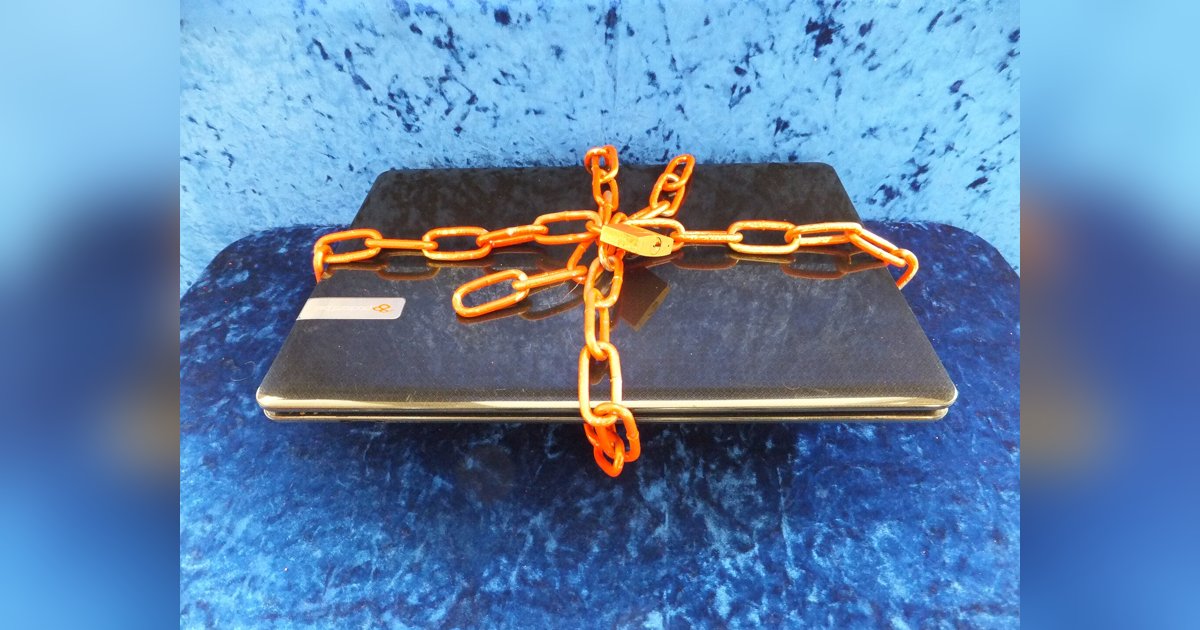
Most of us have dozens of online accounts, from email and banking to streaming and shopping. Remembering a separate, strong password for each one feels impossible, so we reuse the same few. That convenience is exactly what attackers hope for. If one site leaks your password, they try the same combination elsewhere. The good news is that a handful of simple password habits can protect you without turning life into a chore.
Why reused passwords are risky
When a company suffers a data breach, lists of emails and passwords often circulate among criminals. They feed these lists into automated tools that test the same login on many popular sites. This is called credential stuffing, and it works because so many people reuse passwords. A single weak link can open your email, which in turn lets someone reset passwords for everything else.
Use a password manager
The most effective step you can take is to use a reputable password manager. It creates long, random passwords for each site, stores them securely and fills them in for you. You only need to remember one strong master password. Many browsers and phones have built-in managers that are decent for beginners, and dedicated apps offer extra features such as sharing and security checks.
Choose a master password that is long and memorable, such as a sentence of four or five unrelated words. Length matters more than clever symbols.
Make passwords long and unique
If you must create a password yourself, follow these guidelines.
- Aim for at least twelve to sixteen characters.
- Combine unrelated words rather than using names, birthdays or pets.
- Never reuse a password between accounts, especially email.
- Avoid obvious patterns such as 123456, qwerty or the word password with a number added.
A password like a short phrase of random words is easier to type and harder to guess than a short, complicated one.
Turn on two-step verification
Two-step verification, also called two-factor authentication, asks for a second proof of identity, usually a code from an app or a prompt on your phone. Even if someone steals your password, they cannot log in without that second step. Switch it on for email, banking, social media and cloud storage first. An authenticator app is generally safer than text message codes, though either is better than nothing.
Protect your email above all
Your main email address acts as the master key, because password reset links are sent there. Give it your strongest password and two-step verification, and do not use that password anywhere else. Consider keeping a separate email address for newsletters and shopping, so a breach there does not touch your important accounts.
Check whether you have been exposed
You can check whether your email address appeared in a known breach using reputable free services such as Have I Been Pwned. If it did, change that password immediately, and anywhere you used the same one. Many password managers also warn you automatically.
Beware of phishing
A strong password cannot help if you type it into a fake website. Be cautious with messages that create urgency, such as your account will be closed or unusual activity detected. Instead of clicking the link, open the official site or app yourself. Check the address bar carefully, and never share codes with anyone who contacts you, even if they claim to be from a bank or a support team.
Keep devices up to date
Install updates for your phone, computer and browser. These often fix security holes that attackers use. Lock your devices with a PIN, fingerprint or face unlock, and avoid logging into important accounts on shared or public computers.
A quick weekly routine
You do not need to spend long on this. A short routine helps.
- Update any passwords your manager flags as weak or reused.
- Review which devices are logged into your main accounts.
- Delete accounts you no longer use.
Spending ten minutes on this once in a while makes you a much harder target than the average user.
The bottom line
Good security is mostly about habits, not technical skill. Use a password manager, keep every password unique and long, turn on two-step verification and stay alert to suspicious messages. Do those four things and you will have removed the most common ways accounts are lost.